How to Build Your First AI Agent in C# with Microsoft Agent Framework
Build a bounded catalog agent with one read-only tool, a managed model client, cancellation, and honest offline orchestration evidence.
A useful agent does more than generate text: it can ask the application to run a permitted operation, inspect the result, and continue the answer. This tutorial follows the real Microsoft Agent Framework sample in the shared Jovenzo package, with one read-only catalog tool and separate live and offline execution paths.
The live --agent path uses OpenAI's Responses client and can make billable provider requests. The --agent-offline path uses a deterministic fake model, the same real catalog function, and the framework's actual function-invocation loop. Keeping those paths separate lets us prove local orchestration without presenting a scripted exchange as model reasoning.
Understand the agent loop
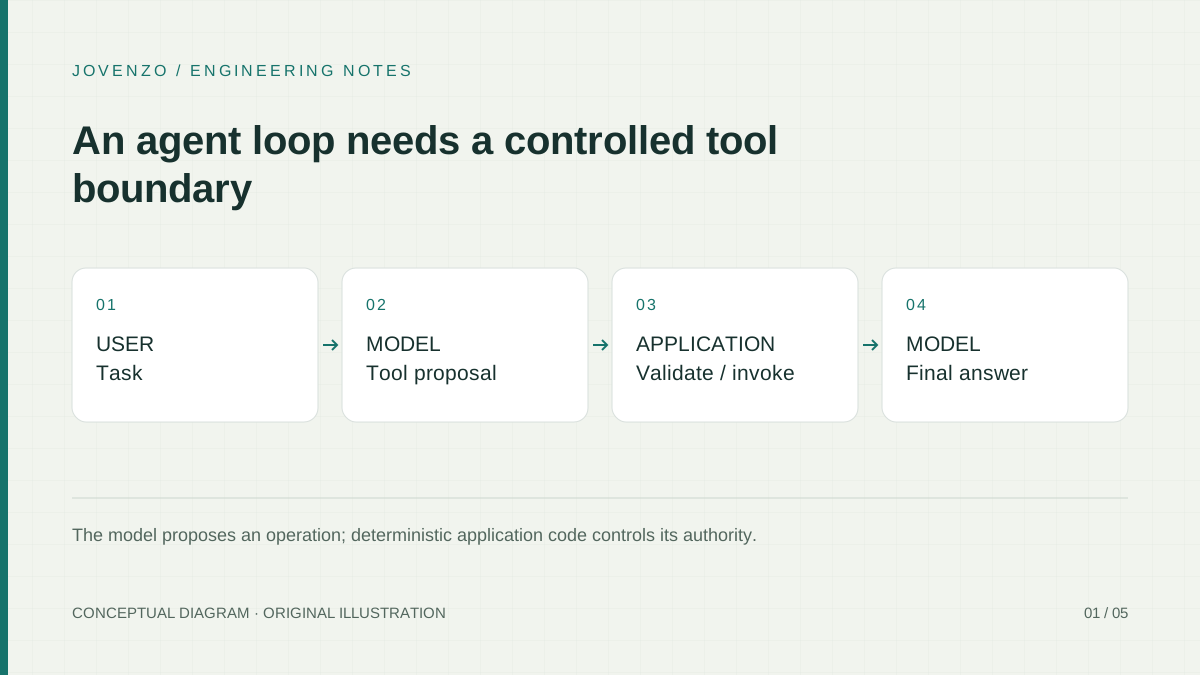
Microsoft Agent Framework documentation separates an agent, its model client, its tools, and its conversation state. In this sample, a user asks about product 42. The model may return a function call named lookup_product with productId = 42. Framework code invokes the registered function, adds its result to the conversation, and asks the model for the final answer.
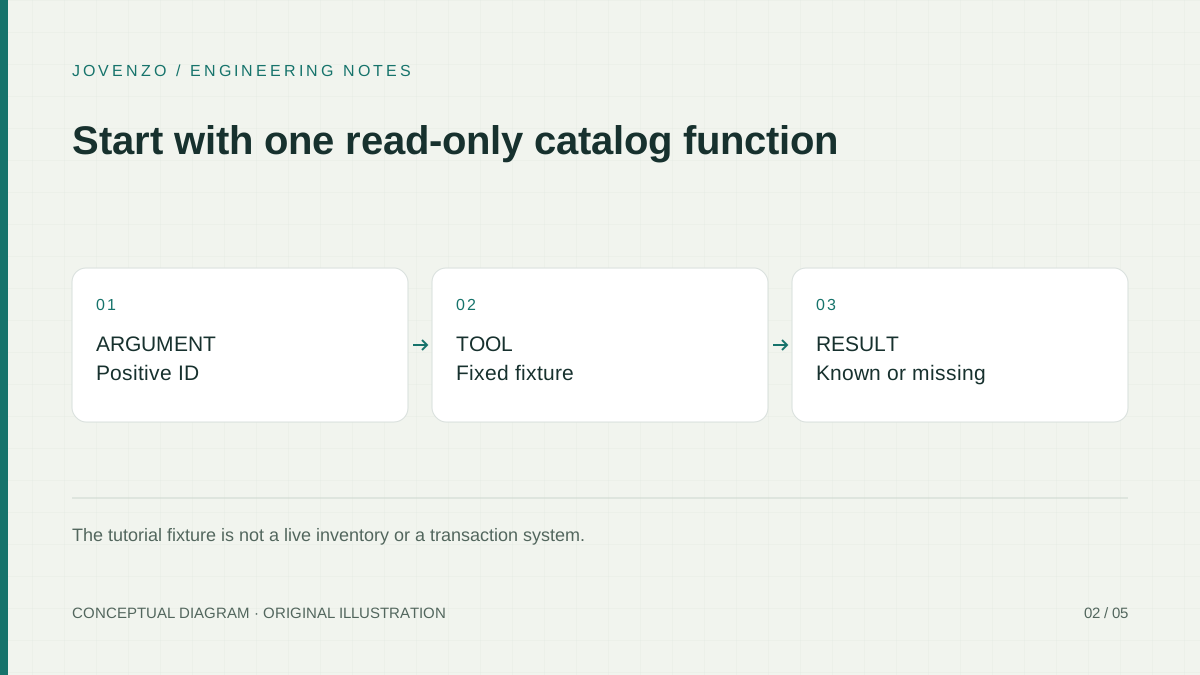
The model selects the operation, but the application owns the authority. Function names and arguments produced by a model are untrusted input. LookupProduct validates the identifier and can read only a fixed tutorial fixture. It cannot run SQL, fetch a URL, access a file, or perform a purchase. If your feature always performs one known lookup, ordinary deterministic code may still be simpler than an agent loop.
Set up a reproducible project
Use the shared Jovenzo .NET sample archive instead of creating a separate CatalogAgent project. The archive keeps Core, Api, Sdk, and Tests together because the ten tutorials share code and verification infrastructure. The agent sample is in Jovenzo.Samples.Sdk; package versions and transitive hashes are pinned by the project and lock files.
Expand-Archive .\jovenzo-ai-dotnet-samples.zip -DestinationPath .\jovenzo-agent-sample
Set-Location .\jovenzo-agent-sample\Jovenzo.Samples

dotnet restore Jovenzo.Samples.slnx --locked-mode
dotnet build Jovenzo.Samples.slnx --no-restore --configuration Release --disable-build-servers -m:1
dotnet test tests/Jovenzo.Samples.Tests/Jovenzo.Samples.Tests.csproj `
  --no-build --no-restore --configuration Release
The files used by this article are deliberately small and discoverable:
| File | Role |
|---|---|
src/Jovenzo.Samples.Sdk/Program.cs | Selects --agent or --agent-offline, validates configuration, and owns the 45- or 10-second deadline. |
src/Jovenzo.Samples.Sdk/CatalogAgentSample.cs | Contains the offline Agent Framework composition used by both the executable and its integration test. |
src/Jovenzo.Samples.Sdk/OfflineToolChatClient.cs | Provides two deterministic fake-model turns without credentials or network access. |
src/Jovenzo.Samples.Sdk/AgentRuntime.cs | Configures the live and offline function-invocation iteration limit. |
src/Jovenzo.Samples.Sdk/SdkConfiguration.cs | Rejects missing, empty, and whitespace-only required settings before a provider client is created. |
src/Jovenzo.Samples.Sdk/Jovenzo.Samples.Sdk.csproj and packages.lock.json | Pin the Agent Framework, OpenAI, Microsoft.Extensions.AI, MCP, and other SDK dependencies. |
tests/Jovenzo.Samples.Tests/AgentFrameworkTests.cs | Exercises the actual SDK assembly, tool contract, fake turns, shared orchestration, cancellation, configuration, and iteration limit. |
README.md | Lists commands, evidence boundaries, package revision, and results for this shared archive. |
The Sdk project pins Microsoft.Agents.AI.OpenAI 1.27.0 and Microsoft.Extensions.AI.OpenAI 10.11.0 under .NET 10. The official C# quickstart provides the broader framework introduction. Current Microsoft guidance recommends the Responses client as the primary OpenAI integration when its capabilities fit the application. In the pinned OpenAI SDK, GetResponsesClient() still produces the OPENAI001 experimental diagnostic, so the sample keeps a narrow pragma around only that statement. Pinning and compiling the syntax make the tutorial reproducible; they do not promise that a future package will keep the same surface.
Define one narrow, truthful tool
The real CatalogTools.LookupProduct method accepts only a positive integer. Product 42 returns one exact fixture; every other positive identifier returns the same not-found sentence. Zero and negative identifiers throw ArgumentOutOfRangeException. Those rules are application behavior, not suggestions in a prompt.
public static string LookupProduct(int productId)
{
    if (productId <= 0)
        throw new ArgumentOutOfRangeException(nameof(productId));

    return productId == 42
        ? "Mechanical keyboard (tutorial fixture); price USD 89.00."
        : "Product not found in the tutorial fixture.";
}
The shared method also carries MCP discovery attributes because the package's ninth article exposes it through a local MCP server. Those attributes are incidental here. The Agent Framework adapter is AIFunctionFactory.Create(CatalogTools.LookupProduct, "lookup_product"); it turns the local delegate and its schema into the tool supplied to the agent.
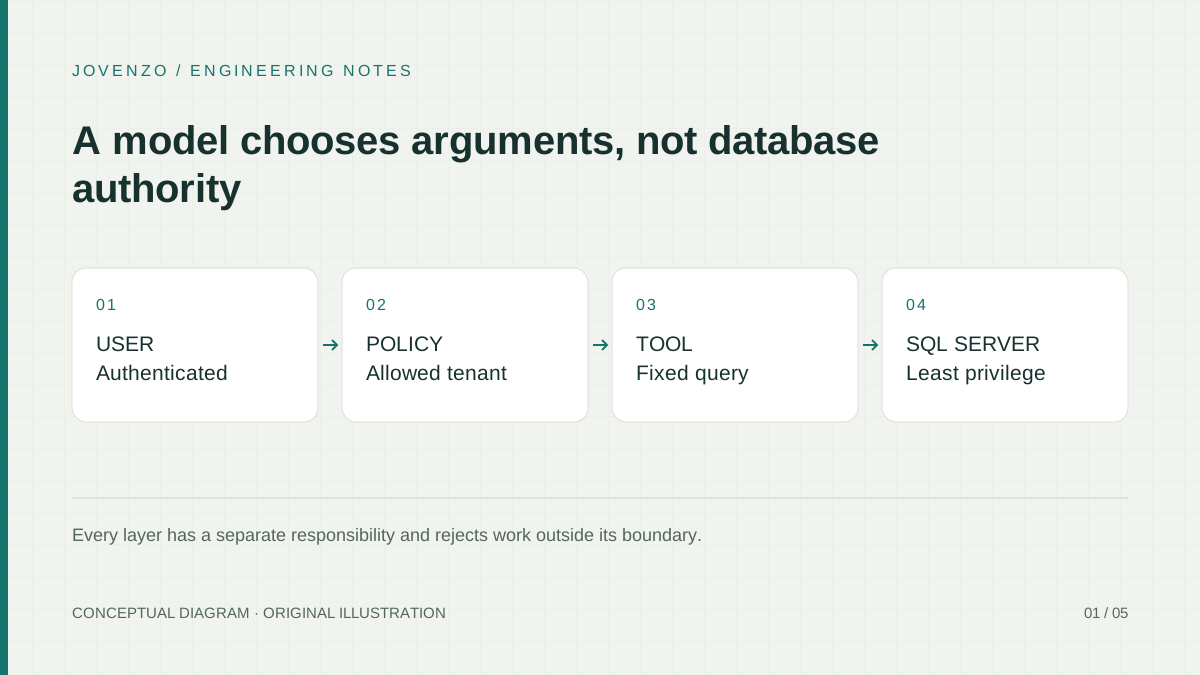
For a production catalog, replace the fixture behind the function with an authorized application service. Keep tenant identity and permissions outside model-controlled arguments, limit returned fields and result counts, and pass cancellation into any database or network operation. The model should never gain an arbitrary query, URL, or file-path parameter merely for convenience.
Create and invoke the agent
The main sample path is the code behind --agent. It reads both required settings before constructing OpenAIClient, creates a Responses-backed agent, registers the real catalog function, applies the iteration-limited client factory, and invokes one question under a 45-second deadline.
var apiKey = SdkConfiguration.Required("OPENAI_API_KEY");
var model = SdkConfiguration.Required("OPENAI_MODEL");

#pragma warning disable OPENAI001
AIAgent agent = new OpenAIClient(apiKey)
    .GetResponsesClient()
    .AsAIAgent(
        model: model,
        name: "CatalogAgent",
        instructions: "Use the catalog tool for product facts. Do not invent inventory data.",
        tools: [AIFunctionFactory.Create(
            CatalogTools.LookupProduct, "lookup_product")],
        clientFactory: AgentRuntime.WithFunctionIterationLimit);
#pragma warning restore OPENAI001

using var deadline = new CancellationTokenSource(TimeSpan.FromSeconds(45));
Console.WriteLine(await agent.RunAsync(
    "What is product 42?", cancellationToken: deadline.Token));
Run it only after setting a credential and model that your account is allowed to use. The request can incur provider usage:
$env:OPENAI_API_KEY = '<set in your current shell or approved secret store>'
$env:OPENAI_MODEL = '<an enabled model>'
dotnet run --project src/Jovenzo.Samples.Sdk `
  --configuration Release --no-build -- --agent
The sample does not accept a key or model from the question. SdkConfiguration.Required rejects null, empty, and whitespace-only values first. A web application should additionally link caller cancellation, authenticate the endpoint, enforce per-user quotas, and keep provider configuration on the server. The bounded ASP.NET Core integration guide covers that HTTP lifecycle.
Bound execution and handle failures
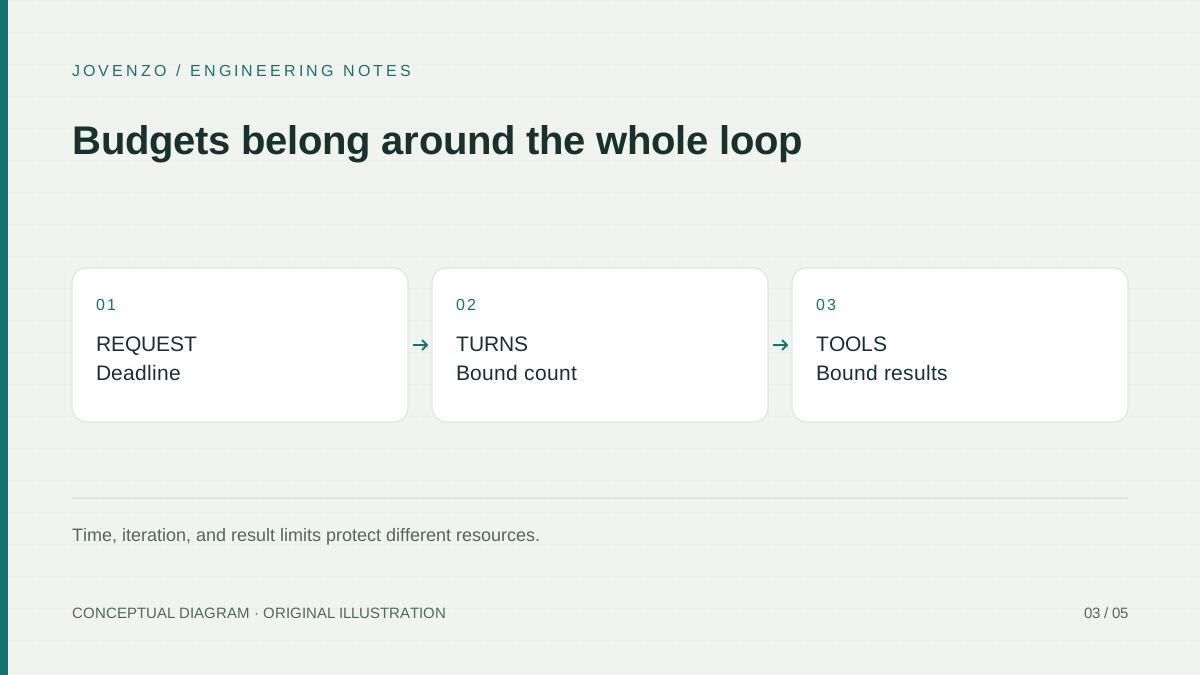
The pinned dependency graph exposes FunctionInvokingChatClient.MaximumIterationsPerRequest. Both live and offline compositions wrap their model client with a value of four:
public const int MaximumFunctionIterationsPerRequest = 4;

public static IChatClient WithFunctionIterationLimit(IChatClient client) =>
    new FunctionInvokingChatClient(client)
    {
        MaximumIterationsPerRequest = MaximumFunctionIterationsPerRequest
    };
This is an iteration limit, not a universal business-operation quota. In the repeating-call regression, four tool invocations execute; a fifth provider response containing another request is returned without executing that next tool. If an integration permits multiple calls in one response, or if one tool performs several downstream operations, add the corresponding application-level counters and quotas. The 45-second cancellation deadline bounds elapsed cooperative work, while the iteration limit bounds this automatic function loop.
Classify failures at the application boundary. Invalid tool arguments are not provider outages. Caller cancellation should remain cancellation, not become a timeout message. Provider failures should become controlled service errors without returning credentials, raw prompts, or stack traces. Side-effecting tools also need idempotency because retrying a purchase or message is fundamentally different from retrying this read-only fixture.
Treat conversation state as application data
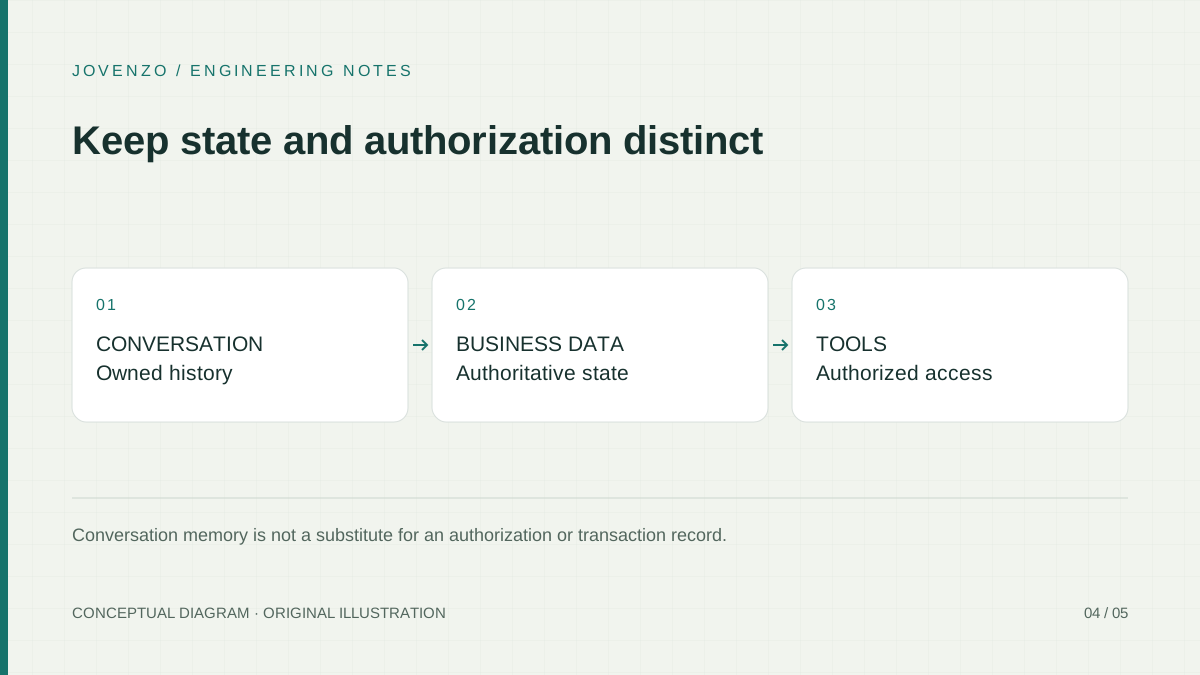
This console sample performs one stateless question. A multi-turn application must decide who owns a session, how it is authorized, how long it is retained, and which messages are sent back to a provider. Do not put unrelated users into one mutable conversation or treat a generated summary as the authoritative record of a transaction.
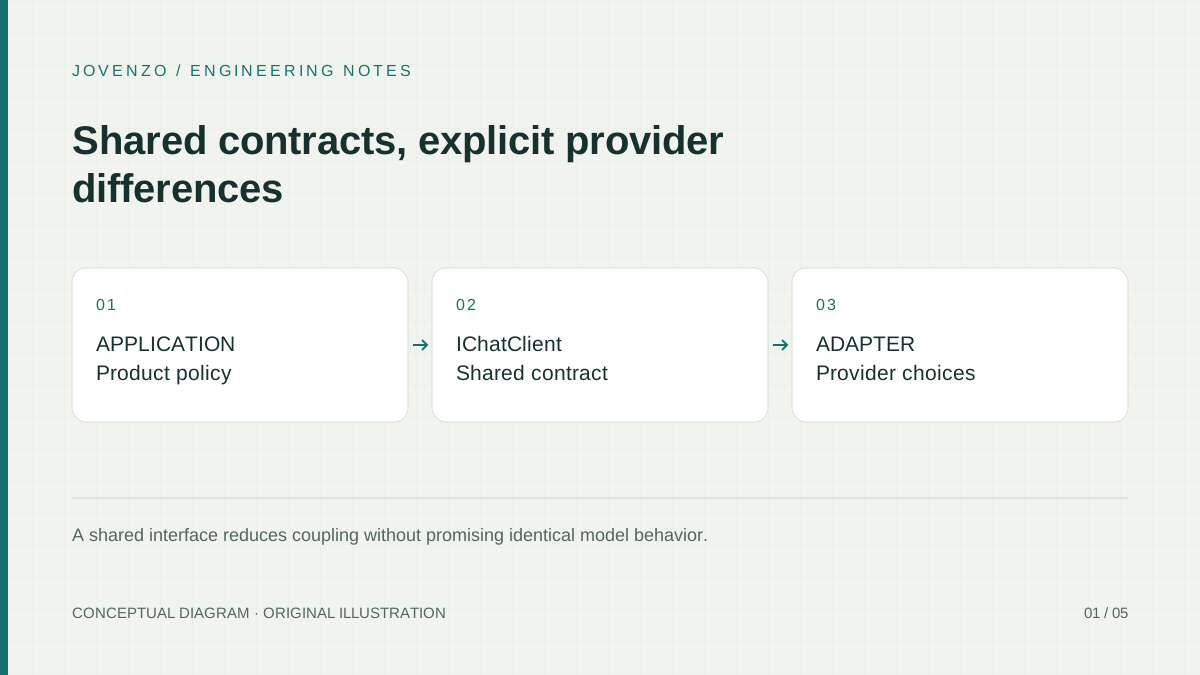
Keep business facts in normal application storage and retrieve them through controlled functions. Limit conversation history before each model request; old messages increase cost and can carry stale instructions. Provider-specific response identifiers or hidden state also may not migrate across models. The provider abstraction guide explains why a shared interface does not make all provider capabilities or state portable.
Test the tool loop without inventing model results
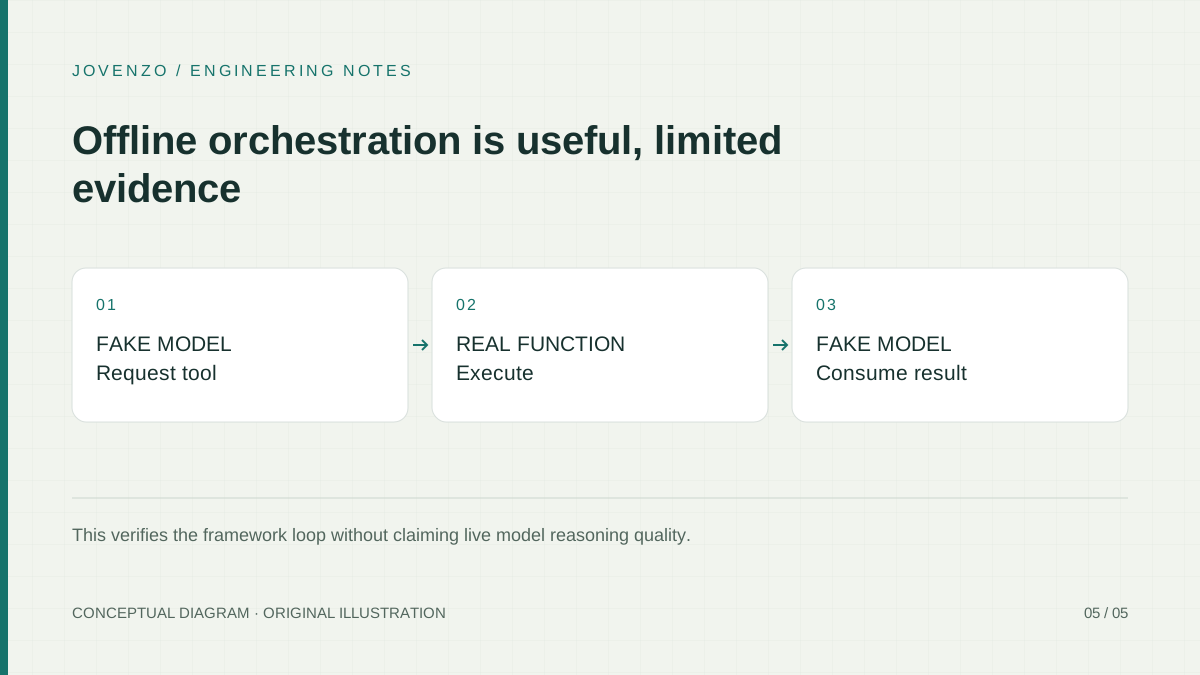
The offline path is not a second provider implementation. OfflineToolChatClient deterministically emits a FunctionCallContent for lookup_product with product 42 on its first call. The real Agent Framework pipeline invokes the real CatalogTools.LookupProduct. On the second call, the fake sees the resulting FunctionResultContent and returns a TextContent answer. CatalogAgentSample.RunOfflineAsync is shared by the executable and the integration test, so the test does not carry a copied orchestration path.
# No key and no network request:
dotnet run --project src/Jovenzo.Samples.Sdk `
  --configuration Release --no-build -- --agent-offline
The actual output identifies the fixture and reports two fake-model calls. That proves local schema wiring, tool dispatch, result propagation, and the 10-second cancellation boundary. It does not prove that a live model will choose this tool for every phrasing, resist prompt injection, produce accurate prose, or deliver a particular latency or cost.
Keep tool authority smaller than the prompt surface
The framework tools overview and agent safety guidance both lead to a concrete rule: treat model-selected tool arguments as untrusted. Validate type, range, length, identity, and authorization in deterministic code. A customer identifier supplied by a model must not decide which tenant the caller can access.
Framework function tools run without human approval by default. That is acceptable for this read-only, fixed fixture because it has no external side effect or sensitive data. A purchase, deletion, message, credential access, or broad data query needs a different policy. Microsoft Agent Framework can wrap selected functions with ApprovalRequiredAIFunction; the application must surface the exact proposed call and resume only with an approval bound to that request. Approval complements authorization and validation—it does not replace them.
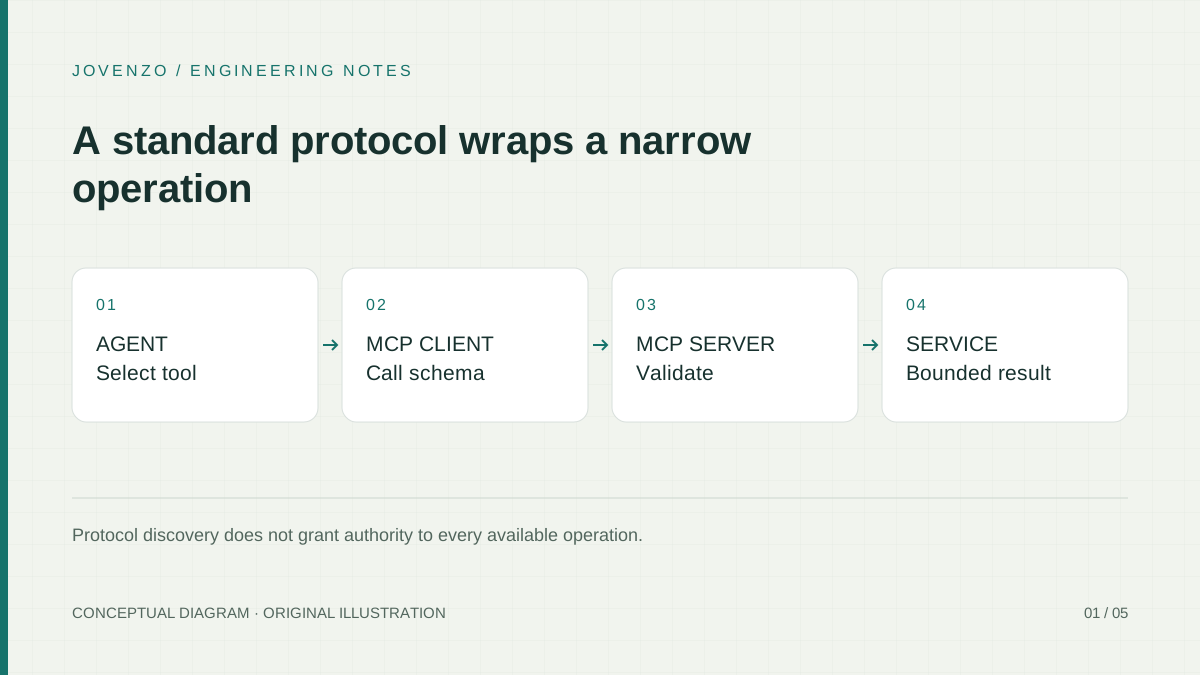
Register only what the feature needs. A catalog answer does not need a shell, general SQL, browser control, or arbitrary HTTP tool. The SQL Server guide shows fixed parameterized queries and tenant binding. The MCP server tutorial shows the same catalog function across a local process boundary; using a standard protocol does not make a remote server or its returned content trusted.
Prepare a narrow production feature
Start from a small acceptance set: product 42, an unknown positive product, an invalid identifier, an unrelated request, and a prompt that tries to override tool policy. Record the model, instructions, package revision, and observed outcomes. Keep inputs synthetic and authorized. The offline suite establishes deterministic plumbing; only a separately approved live evaluation can establish model-specific behavior.
For a web deployment, define concurrency and queue behavior before sharing the agent. Link request cancellation to the 45-second application deadline and to every cancellable tool operation. Log correlation identifiers, model turns, tool names, durations, and terminal categories under a documented data policy, without copying customer content or secrets into a general log.
Render important validated tool values separately from generated prose when users must act on them. The sentence written by a model is an interpretation; the tool result is controlled application evidence. A transaction should display success only after the underlying operation reports success, never because the agent wrote a confident sentence.
Key takeaways
- The live sample uses
OpenAIClient().GetResponsesClient().AsAIAgent; the offlineIChatClientexists only for deterministic verification. AIFunctionFactoryadapts the real, read-only catalog function to Agent Framework; MCP annotations are unrelated to this path.- Both paths allow four automatic function-invocation iterations; live has a 45-second deadline, while offline has a 10-second deadline and normally finishes in two scripted model turns.
- Tool arguments remain untrusted, and side-effecting or sensitive tools need explicit approval in addition to authorization and validation.
- Offline orchestration evidence and live model evaluation support different claims and should never be blended.
Frequently asked questions
Does every AI feature need an agent framework?
No. Use an agent when model-selected operations provide real value. A fixed lookup-and-format pipeline is often clearer, cheaper, and easier to test with ordinary code.
Why use Responses instead of the chat-completions adapter here?
Current Microsoft OpenAI integration guidance recommends the Responses client as the primary path when available, and that is the package's real --agent implementation. The chat-completions adapter remains a separate option, not the code shown as if it were the same path.
Do the MCP attributes make this an MCP agent?
No. They let other package modes discover the same method through MCP. This article registers the delegate directly with AIFunctionFactory; no MCP transport participates in --agent or --agent-offline.
Was the live model workflow tested here?
No. The provider path compiled, and the real framework loop ran with a deterministic fake model and real local function. No live OpenAI request, billed tool-selection check, real user study, or provider response-quality evaluation was performed.
Conclusion and next step
The first useful agent is small enough to trace. In this sample, the live code creates a Responses-backed Agent Framework agent, one validated function supplies an exact fixture, and application code bounds time and automatic function iterations. Run the offline path first, inspect the real function result, and treat any future live run as a separate, approved evaluation—not as proof borrowed from the fake.
Verification results — November 2, 2026
- Build and package: locked restore and all four Release projects completed with zero warnings and errors in the source tree and a separate ZIP extraction. The shared archive remained source-only at the same URL.
- Agent-focused xUnit: 13 cases passed inside 239 total C# tests. They cover the exact product-42 fixture, unknown and invalid identifiers, both fake turns, the shared two-turn framework loop, cancellation before the first turn, whitespace configuration, and four executed function iterations.
- Offline loop:
--agent-offlineprinted the mechanical-keyboard fixture andOffline model calls: 2; no provider request was sent. - MCP paths:
--mcp-smokediscovered and called the real locallookup_productserver tool;--agent-mcp-offlinepassed that discovered tool through the deterministic agent loop. These are separate package regressions, not part of the article's core agent adapter. - Live status: the Responses path compiled with the scoped experimental pragma, but
--agentwas not executed. No OpenAI credential, billed request, live tool-selection assessment, latency measurement, or generated answer is claimed.
Sources & further reading
Share this article

Bora Yılmaz
Backend developer with a Computer Engineering degree and a professional software development background dating to 2015. His work spans C#, .NET, APIs, enterprise integrations, and software architecture.